Export list of devices
Export the list of devices and their details to a .CSV file by selecting one of the following export options:
- Export — Exports all public device attributes stored in KACE Cloud, including hardware attributes.
- Export with Custom Fields — Exports all public device attributes stored in KACE Cloud, including hardware attributes, along with all configured custom inventory fields.
The exported data file will not include any child list data, such as applications, certificates, profiles, or restrictions.
To export the device list:
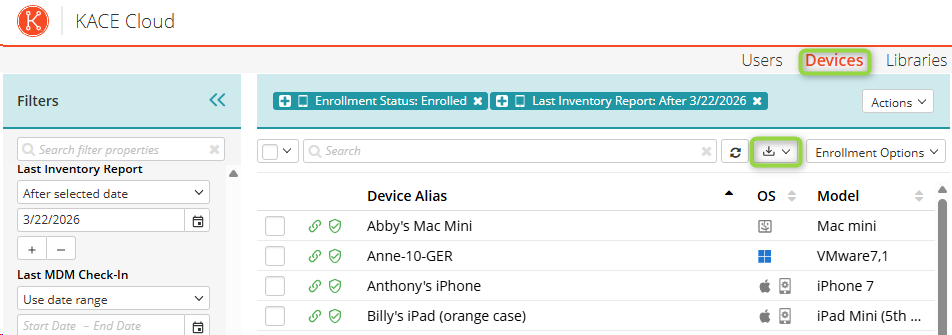
- Select the Devices tab in top navigation.
- Filter to pare down device list or select entire list, then click the download icon.
- Choose Export to include device fields only or Export with Custom Fields to include device fields along with all custom inventory fields.